If you're looking to create a website that's both modern and stylish, then you'll need to know CSS and HTML5. These two programming languages are essential for creating responsive and engaging websites. And with our CSS and HTML5 upload feature, you can easily add these files to your site without having to coding from scratch. So if you're ready to take your web development skills to the next level, be sure to check out our CSS and HTML5 upload feature.
Bootstrap 3 file upload
Replace the browser's default file upload input with a more aesthetically pleasing one that adheres to Bootstrap's standards. Widget that was only written in CSS that can be uploaded. Including a fantastic fallback for users who are still utilizing older browsers. When a file is chosen, a simple Java script is added to the file that modifies the labels.

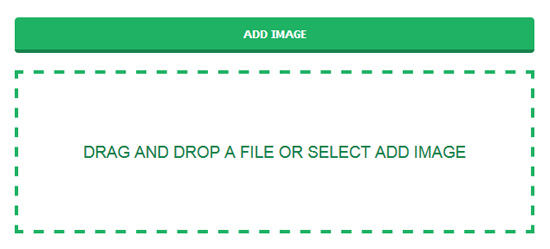
Drag and Drop A File or Select Add Image
To enhance the quality of the feed import process as a whole by including, in addition to the standard file input, a functionality that allows users to upload files by dragging and dropping them. When it comes to selecting files, a method that makes use of dragging and dropping can frequently be found to be more convenient.
HTML5 File Upload Progress Bar
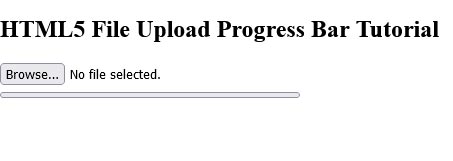
Image Upload with preview

DropzoneJS File Upload

Bootstrap image upload preview plugin
JQuery & Bootstrap image upload with advance functionality.

Knockout JS HTML5 File Bindings with upload preview
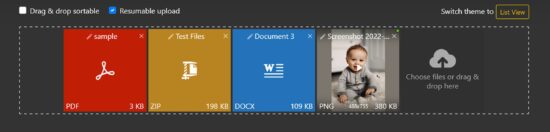
Nice upload form
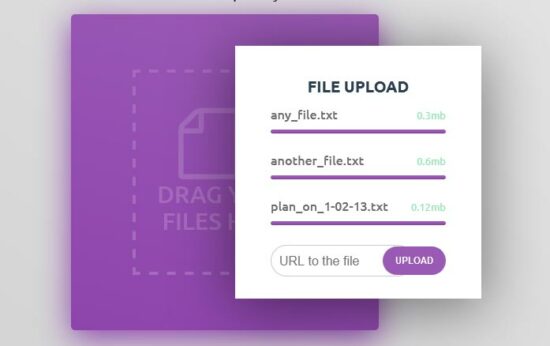
Custom FIle Upload
A custom file upload with jQuery and CSS.

Upload Play & Pause animation

Pure CSS Upload File
Custom drag file upload in Bootstrap 4
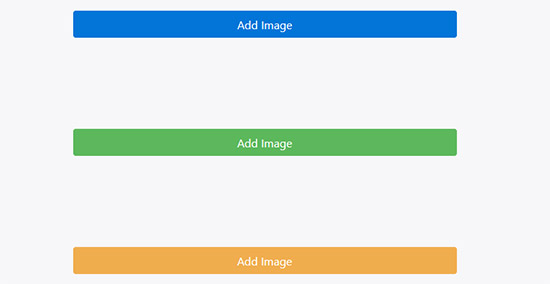
Bootstrap file input style
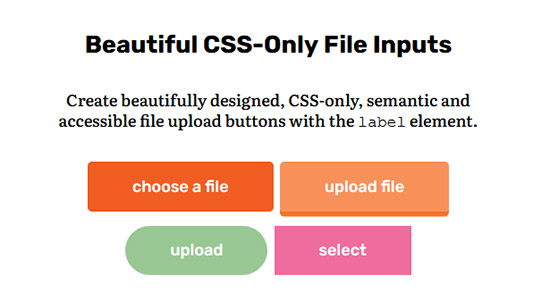
Replace the classic browser file upload input with a beautiful Bootstrap-compatible file upload widget written in CSS only. Includes a good backup for older browsers. Simple javascript is added to change tags when a file is selected.
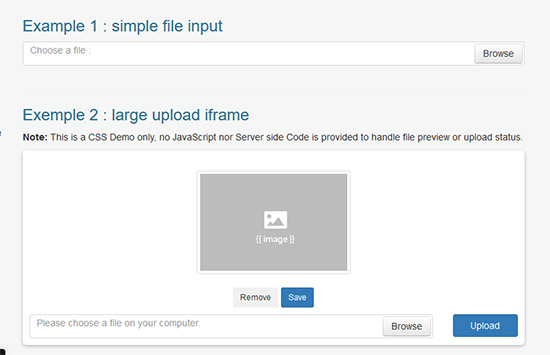
Beautiful CSS-Only File Inputs
Knockout File Bindings with upload preview and drag & drop (HTML5)
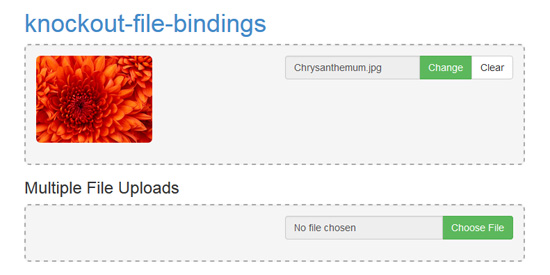
Image Uploader
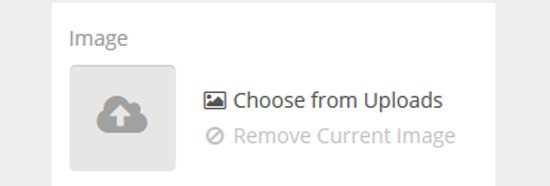
Concept for a better image uploader. Drag and drop, or file input, with preview.
Angular File Upload
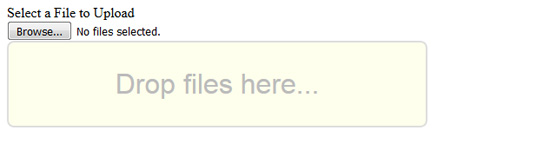
Multiple File Upload Form
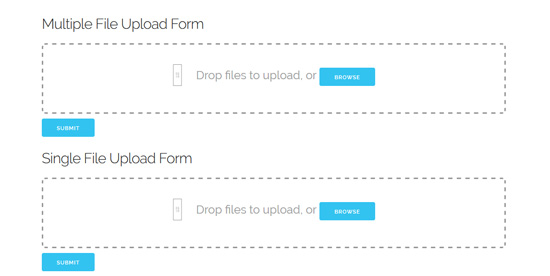
DropZone upload

Upload CSS Animation UI
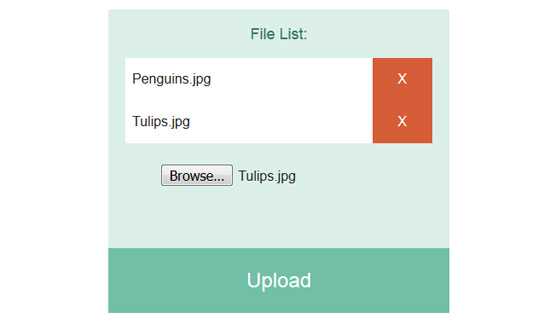
Multiple File Uploader
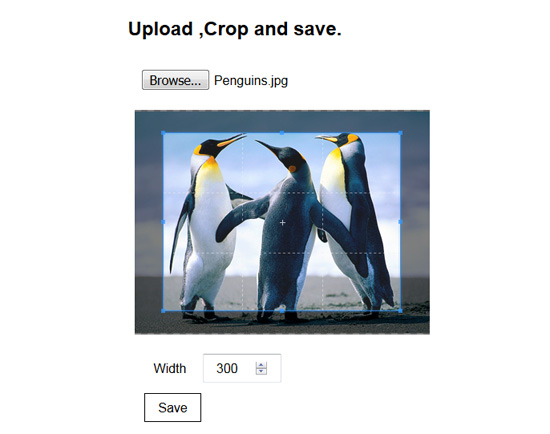
Upload crop & save
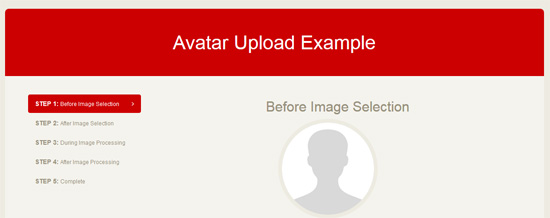
Avatar Upload Example
Just playing around with an avatar upload UI idea.
A simple upload form
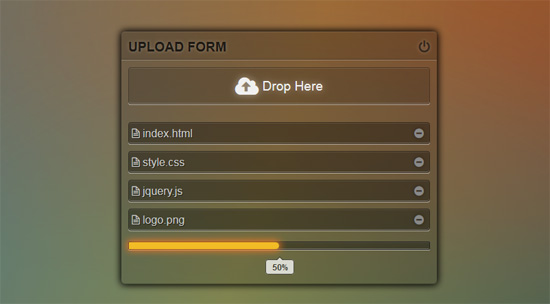
CSS Drop File Upload
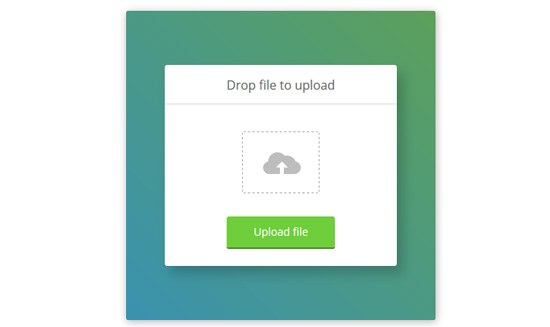
Animated image upload form
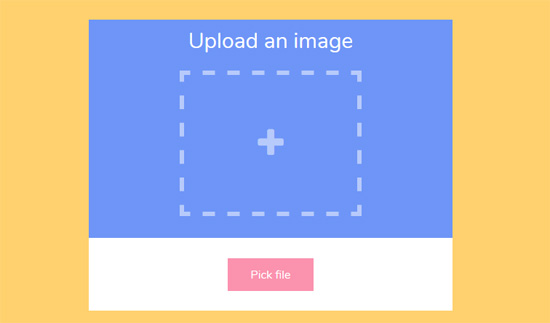
Drag and drop upload form stylized (HTML & CSS ONLY)
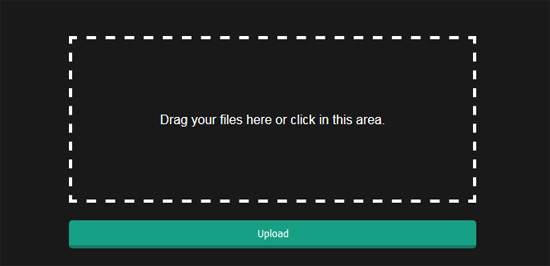
File Upload & Image Preview (No Plugins Just Javascript)
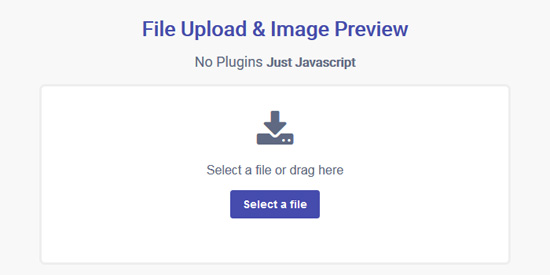
Material File Upload

Nice Concept upload form
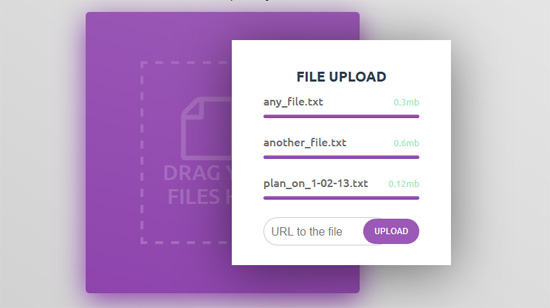
Flow.js
Flow.js is a Angular HTML5 file upload using JavaScript library that provides multiple simultaneous uploads, stable and reactivated via the File API HTML5. Library does not require third-party dependencies.
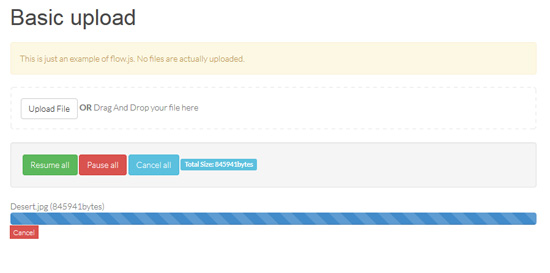
HTML5 Drag & Drop Ajax File Uploader
This module abstracts HTML5 file and drag and drop API and manages file upload process
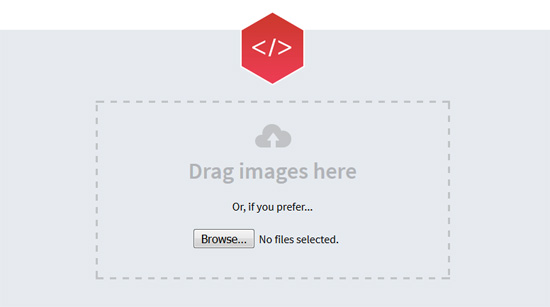
Mini AJAX File Upload Form
In this tutorial we are going to create an AJAX file upload form, that will let visitors upload files from their browsers with drag/drop or by selecting them individually. For the purpose, we will combine the powerful jQuery File Upload plugin with the neat jQuery Knob to present a slick CSS3/JS driven interface.
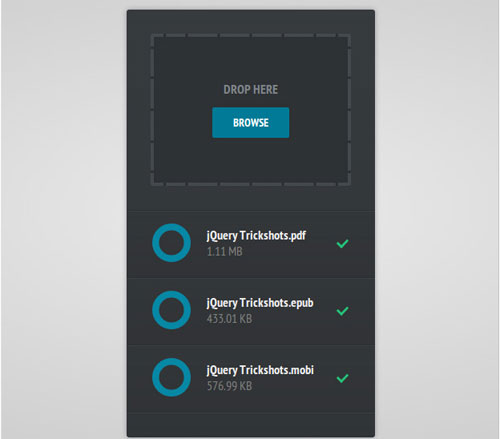
Dropzone Drag Drop Upload
Dropzone is an easy to use drag'n'drop library. It supports image previews and shows nice progress bars.
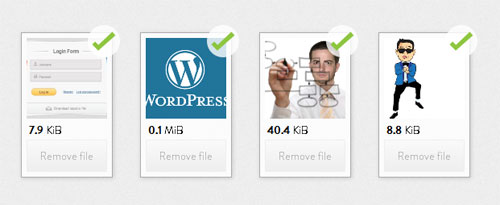
Drag&drop jQuery File Upload
File Upload widget with multiple file selection, drag&drop support, progress bar, validation and preview images, audio and video for jQuery. Supports cross-domain, chunked and resumable file uploads. Works with any server-side platform (Google App Engine, PHP, Python, Ruby on Rails, Java, etc.) that supports standard HTML form file uploads.
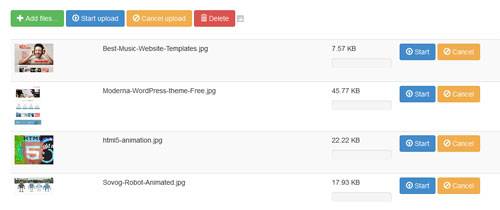
Fine Uploader
FineUploader is the easiest javascript file uploader library to set up. Code examples are provided, whether you are using a jQuery wrapper, or plain JavaScript.
Plupload 2.1.2
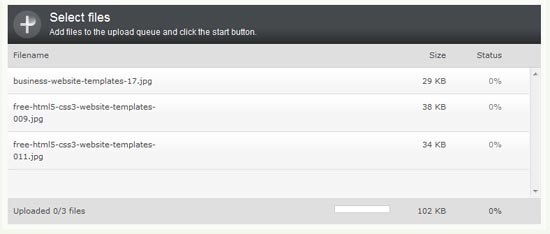
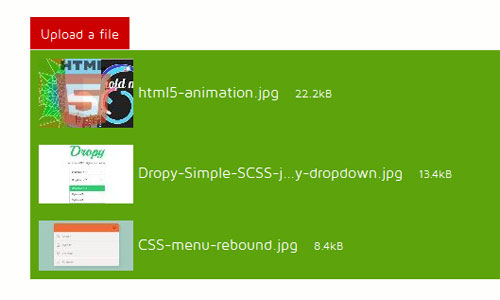
This example shows you how to use the jQuery UI widget use the “Switch theme” drop down to the right to select different jQuery UI themes.
Uploadify HTML5 File Upload
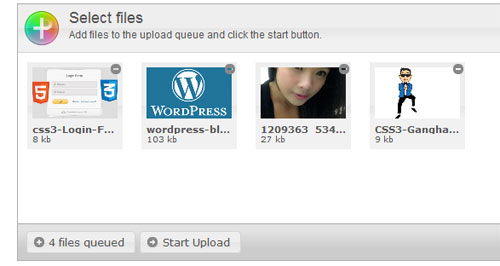
Uploadify is a jQuery plugin that allows you to easily add multiple file upload functionality to your website. Two distinct versions (HTML5 and Flash) allow you the flexiblity to choose the right implementation for your site and fallback methods make it degrade gracefully.
Pure Uploader
ImagePicker: Uploader – Webcam – Cropper
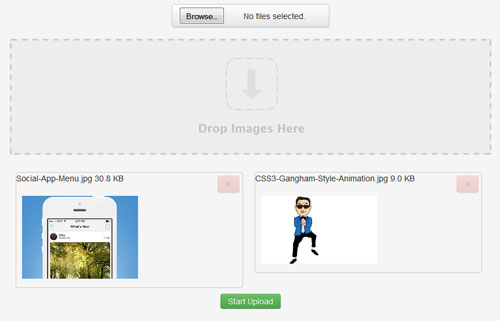
ImagePicker or imgPicker is a quick and easy way to upload images for profile avatar, profile header/cover (like Youtube/Google+), thumbnails or just when you need a simple image uploader. You can take a picture with your webcam and you also have the option to crop your image.

Html5 File Upload with Progress
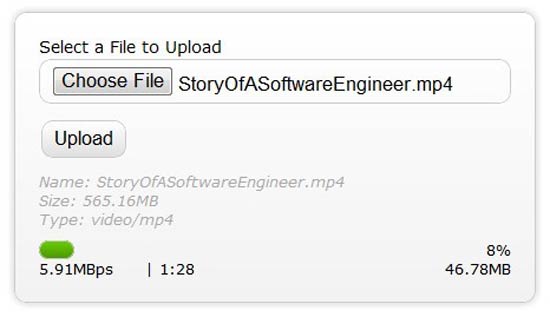
As per the Html5 Progress Eventsspec, the Html5 progress event provides the following information relevant to this conversation, total – Total bytes being transferred, loaded – Bytes uploaded thus far, lengthComputable – Specifies if the total size of the data/file being uploaded is known
HTML5 Drag and Drop File Upload
Developing a small web application called Upload Center, that will allow people to upload photos from their computers by dragging and dropping them onto the browser window, possible with the new HTML5 APIs exposed by modern browsers.
 Demo download More info / download
HTML5 Drag and Drop Multiple File Upload
Here is how you can implement drag and drop multiple file upload with native JavaScript. No plugins needed. Just plain old new HTML5. Again there is a working demo. You will need FireFox 3.6 to test it. Full source code can be at GitHub.
 More info
HTML5 drag & drop API
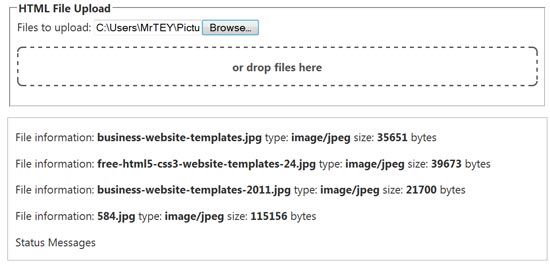
Dragging and dropping files from your desktop to a browser is one of the ultimate goals for web application integration.
 Demo download More info / download
Ajax Uploading With HTML5 File api
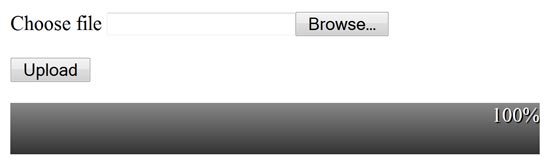
Prior to HTML5 and its File API, getting media from a user was a somewhat sordid affair.
 Demo download More info / download