

In this article, it have pick up any amazing canvas HTML5 animation examples instead of flash animation with demo link. HTML5 is interested topic that most developer find out more about it and also have developer do the projects on HTML5. HTML5 can develop games online or Playing Video with no flash required. Websites develop in HTML5 will not require adobe flash support on your Web browser anymore, provided that your browser supports HTML5.
HTML5 is new developing web 2.0 technology and it have built a lots useful elements instead of previous HTML. The canvas element is part of HTML5 and allows for dynamic, scriptable rendering of 2D shapes and bitmap images. It is a low level, procedural model that updates a bitmap and does not have a built-in scene graph and game.
HTML5 is growing up faster than anyone may not imagining. Powerful and professional solutions are develop in new technology HTML5 and CSS3…even in the gaming world! Today, you’ll make your first game using Box2D and HTML5′s canvas tag.
The following canvas HTML5 animation examples have all been implemented using HTML5, CSS3 and JavaScript technologies such as canvas and JavaScript, jQuery. It perform well in most modern browsers such as Firefox, Chrome or Opera generally provide the best experience.
Sprite Animation with HTML5 Canvas
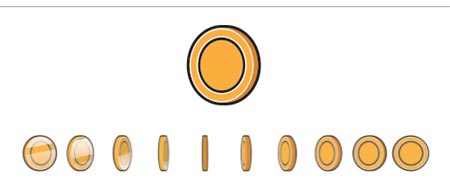
Sprite animations can drawn on HTML5 and JavaScript driven by canvas. The animations are useful in the game and the development of the interactive application. Several frames of an animation can include in a single image and using the HTML5 Canvas and JavaScript, it can draw a single image at a time.
Animated HTML5 logo

HTML5 Canvas animated clock
Advanced HTML5 Animation path
Flat design amusement park svg HTML5

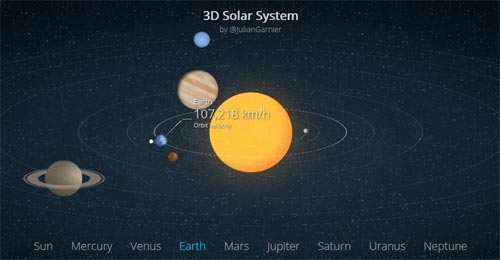
CSS HTML5 Animated 3D Solar System
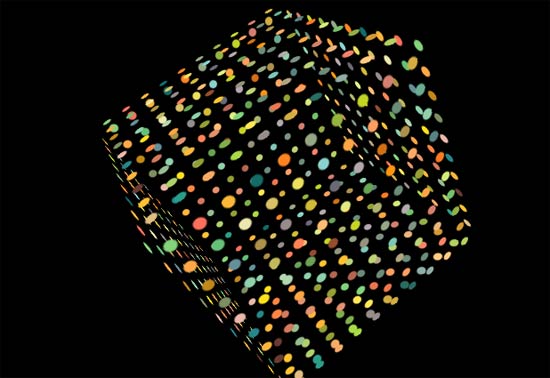
Circles and Text animation

Disco lights on flying cube
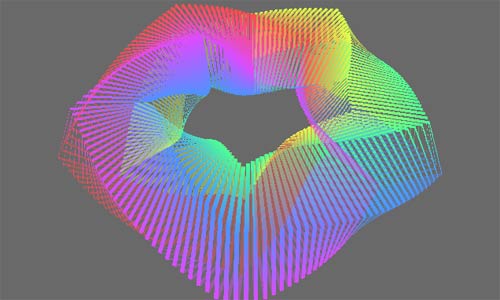
Pure CSS pentagonal torus (animated)
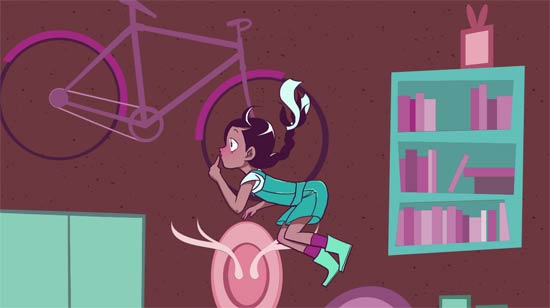
Falling Down the Rabbit Hole
CSS3 Gangham Style Animation

Sovog Robot Animated
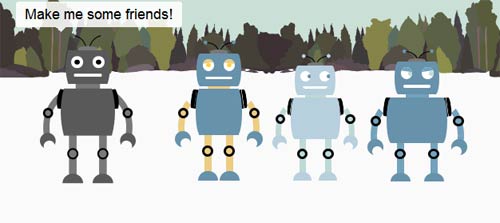
CSS Particle Animation
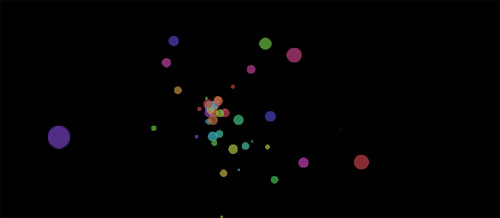
Animated Logo HTML5
Animated the logo using the HTML <canvas> element and create a fallback with rotating images for sans <canvas> browsers. The animtion consists of a few core properties of the logo, such as shape and color, changing slowly using a fine combination of randomness and control.
 Demo
Demo
FlashCanvas
FlashCanvas is a JavaScript library which adds the HTML5 Canvas support to Internet Explorer. It renders shapes and images via Flash drawing API, and in many cases, runs faster than other similar libraries which use VML or Silverlight.
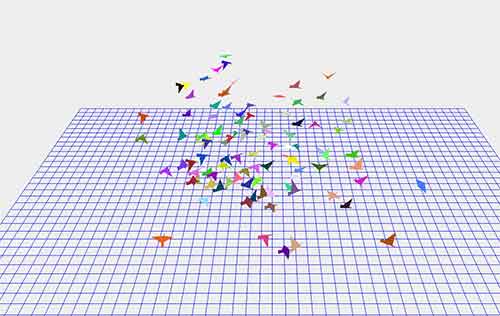
3D Flocking
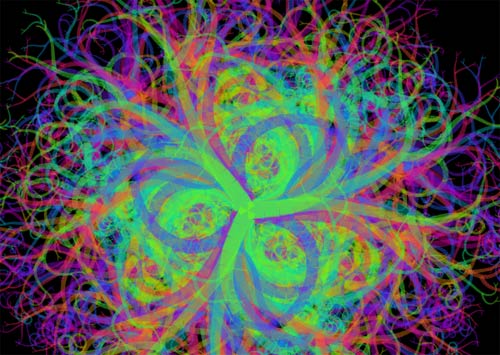
An interactive simulation of flocking behavior in birds. Based on the 1986 paper by Craig Reynolds. Change the behavior of the flock by adjusting different parameters.
Hypnos
An infinite and hypnotic animation on <canvas>.
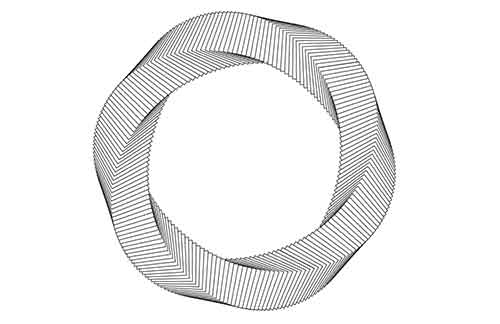
Lily pad experiment
Lily pad is an experiment that explores paper folding inspired by the form of a lily pad floating on top of water.
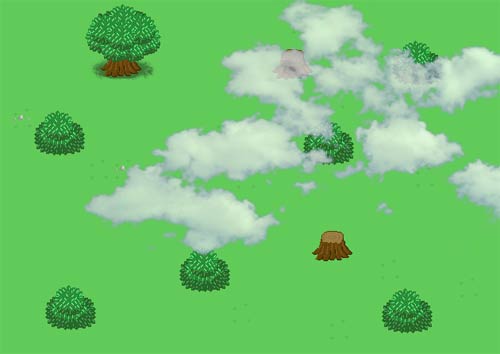
HTML5 animation: clouds over background
Display clouds animation with HTML5
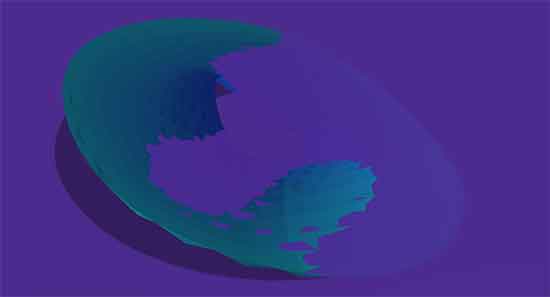
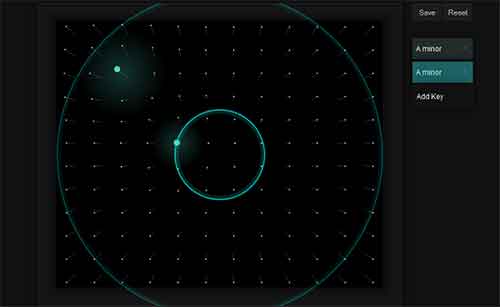
Radar – An audi-visual experiment
Radar uses Audiolet to generate sound and the visuals are rendered on HTML5 <canvas>.
Hole
Having too much fun with these CSS animations to stop.

HTML5 Experiment
The concept is originally a performance study how many particles a browser can calculate and display with a decent framerate. Soon it add music and a add a social element (we are displaying tweets from twitter that contain the words love + html5). The experiment is a huge success and got some nice accolades from google chrome experiments and hackernews.

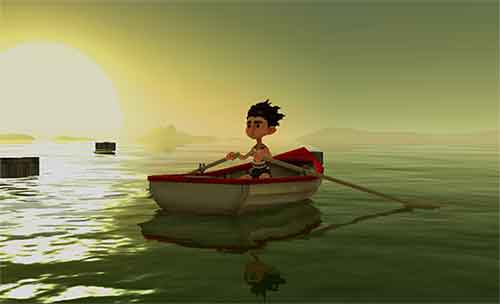
Pearl Boy
Pearl Boy is create to show the possibilities of Goo Engine and HTML5/WebGL. By using the performance of WebGL and hardware accelerated graphics, combined with our javascript game engine, it can provide rich 3D content in the browser. It will work cross-platform on any WebGL-enabled device and there is no need for plugins like Flash or Silverlight. Technology: Goo Engine, HTML5, WebGL, javascript
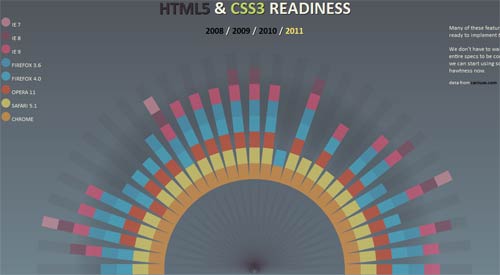
HTML5 & CSS3 Readiness
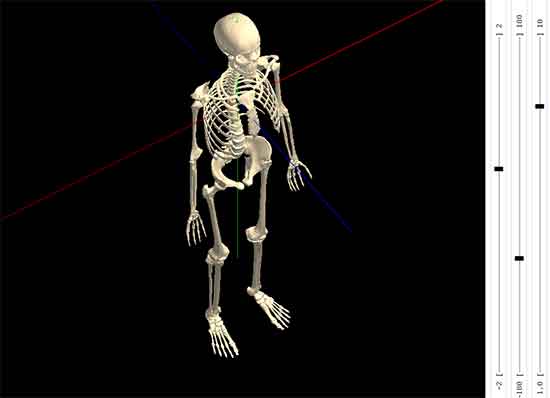
KineMan Interactive 3D Articulated Skeleton
KineMan is a web application that allows you to demonstrate & observe realistic human skeletal motions, interactively and in 3D. You can view the skeleton from any perspective, and you can select & move joints thru realistic ranges of motion.
Technology: WebGL, JavaScript, HTML5, CSS, GLSL
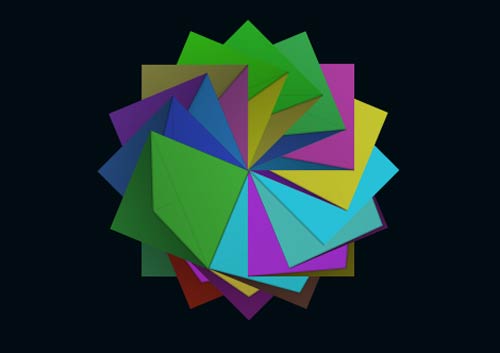
Design Origami with HTML5
Tunneler HTML5 Animation
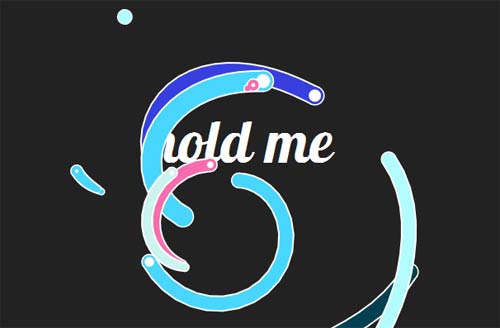
FlowerPower HTML5

HTML5 Canvas Caching
Vector graphics in Canvas can cpu-intensive, especially with complex designs. Pile on the shapes along with effects such as strokes and gradient fills, and things can get very sluggish.

HTML5 Liquid

HTML5 Video
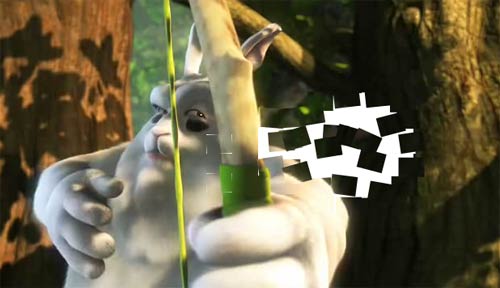
HTML5 Magnetic
Drawing With HTML5
Canopy AnimationHTML5
Chain Reaction HTML5 Animation
HTML5 Core
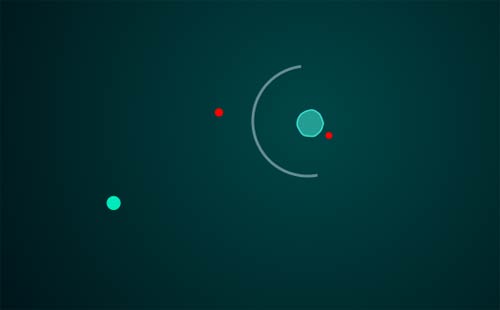
HTML5 Coil
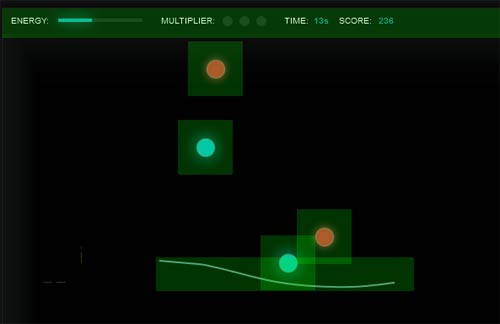
Coil is an example html5 game. Enclose the blue orbs before it explode. Gain bonus points by enclosing multiple orbs at once.
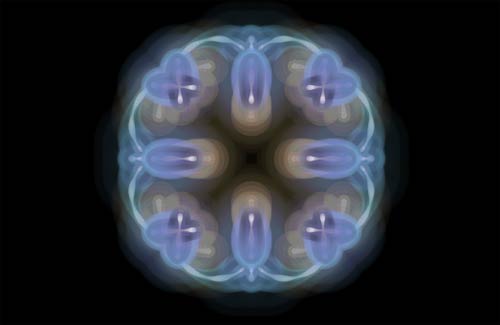
Kaleidoscope HTML5
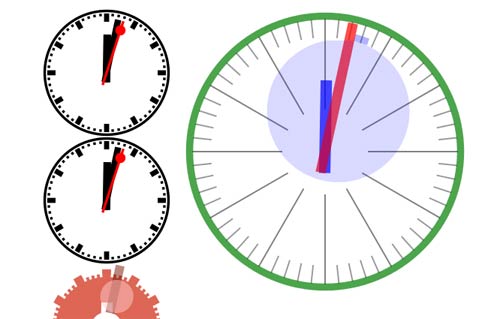
Analog Clock HTML5 Animation
CoolClock requires canvas suport therefore it works best in Firefox, Safari or Chrome. It can work in IE via the use of ExplorerCanvas however in IE it refreshes slowly, doesn’t render as nicely and the second hand decoration is disabled due to a rendering glitch. CoolClock does not use Flash.
3D Landscape on HTML5 Animation

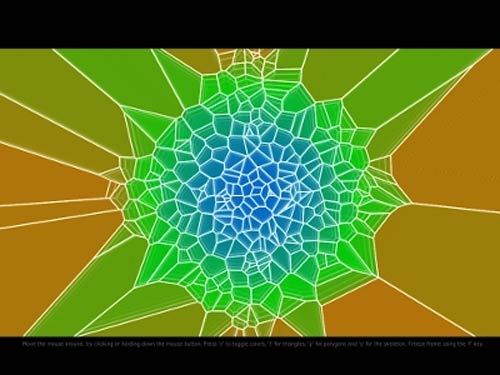
HTML5 Voronoi
This project uses HTML5 and JS to create a “Voronoi diagram” of constantly moving points.
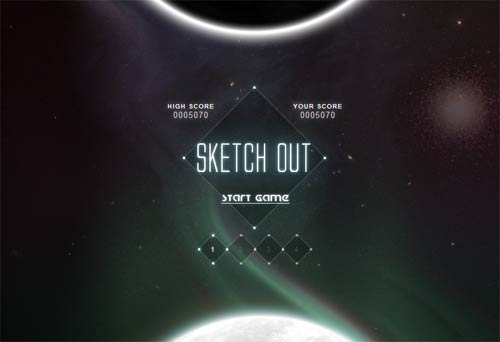
HTML5 Game Sketchout
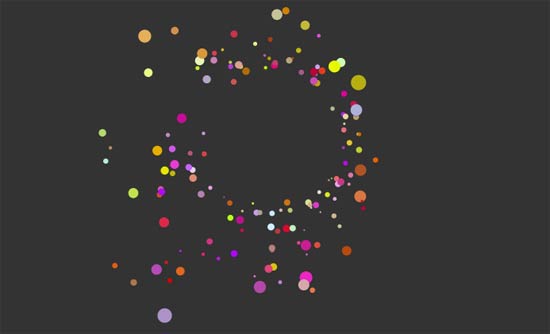
Movement Patterns using HTML5
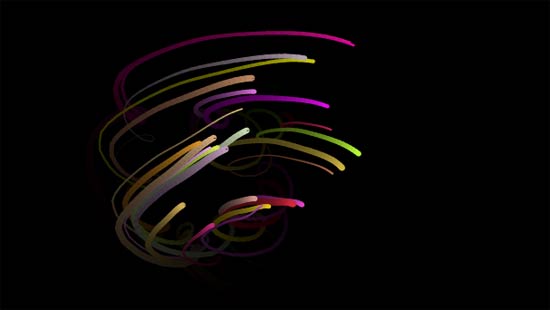
Movement Line using HTML5
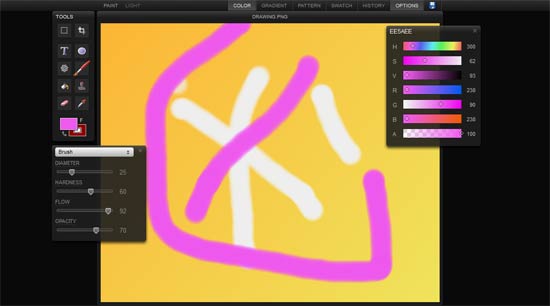
Sketchpad
Sketchpad is another great HTML5 power to painting and drawing.
kaleidoscope
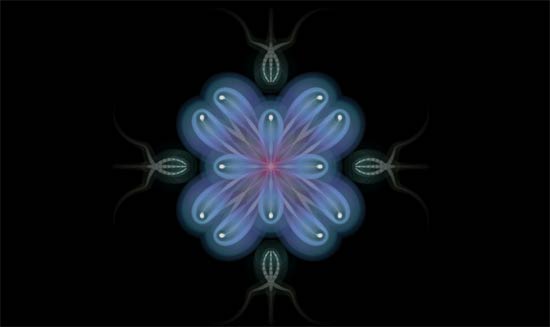
A kaleidoscope is a cylinder with mirrors containing loose, colored objects such as beads or pebbles and bits of glass.
Starfield

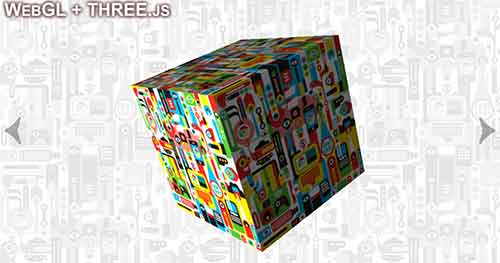
3d Slider Animation
The HTML5 Canvas is the ideal solution when you need to compute the animation frame by frame, for example when using a Newtonian physics model (Box2Dweb.js)
You may like this examples – Canvas tutorial
Really nice animations, thank you!
CSS3 Gangham Style Animation – cool 🙂
An amazing list of HTML5 animations. Especially the magnetic ones. Is there a way to get the source for magnetic animation? I tried copying the source, didn’t work for me.
Really nice animations, thank you!
hello Graham
I wondered like anything and awesome.
Great set of HTML animations, TYVM!